password

Number Usage in Passwords: Take Two
An analysis of nearly 500,000 unique passwords submitted to honeypots from April 2024 to March 2026 reveals common use of numbers, especially years, in passwords. The study finds that years typically appear in passwords during or just before the corresponding year, with “1234” and the previous year's numbers being frequent; many passwords also contain date-like 8-digit numbers, often representing birthdates or recent dates, mostly appended at the end of the password. The report highlights the persistence of predictable numeric patterns and advises against using current years or dates in passwords to enhance security.
https://isc.sans.edu/diary/rss/32866

Password Managers’ Promise That They Can’t See Your Vaults Isn’t Always True

Password managers, despite claims of “zero-knowledge” security, may still have vulnerabilities that allow data theft under certain conditions, particularly during account recovery or when sharing vaults. Researchers warn that these flaws can be exploited by malicious actors, undermining the touted security benefits.

https://arstechnica.com/security/2026/02/password-managers-promise-that-they-cant-see-your-vaults-isnt-always-true/

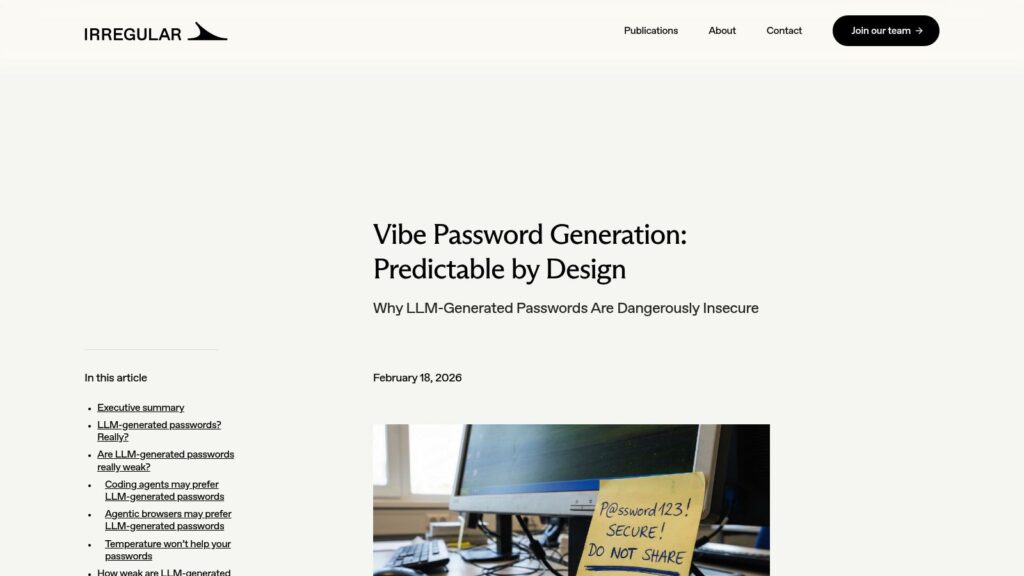
Vibe Password Generation: Predictable by Design

LLM-generated passwords seem strong but are insecure due to their predictable nature, as LLMs are designed to predict tokens, not create random characters. Users unknowingly use these weak passwords, mistaking them for secure options. Testing reveals that popular LLMs like GPT, Claude, and Gemini generate passwords with predictable patterns and low entropy, risking brute-force attacks. Recommendations include avoiding LLM-generated passwords and prioritizing secure password generation methods in coding contexts.

https://www.irregular.com/publications/vibe-password-generation

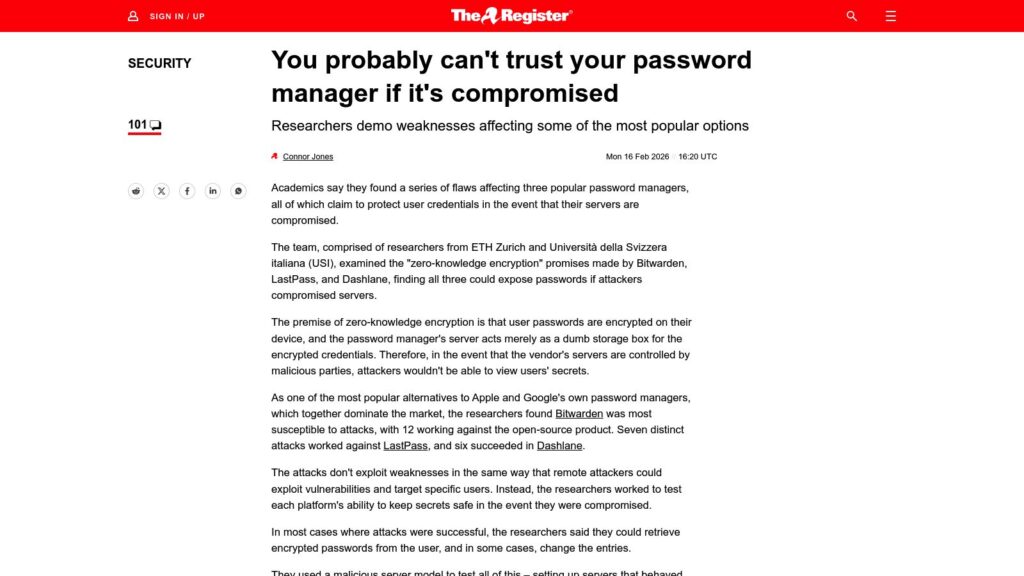
Password Managers Don’t Protect Secrets if Pwned

Research exposes vulnerabilities in popular password managers (Bitwarden, LastPass, Dashlane) claiming zero-knowledge encryption, enabling potential password exposure if servers are compromised. Bitwarden was most affected, with 12 attack methods detailed; LastPass and Dashlane followed with 7 and 6 respectively. The study urges enhanced security practices and clear communications from providers regarding risks and protections. Vendors acknowledged flaws and are addressing them, but similar vulnerabilities may apply to others in the industry.

https://www.theregister.com/2026/02/16/password_managers/

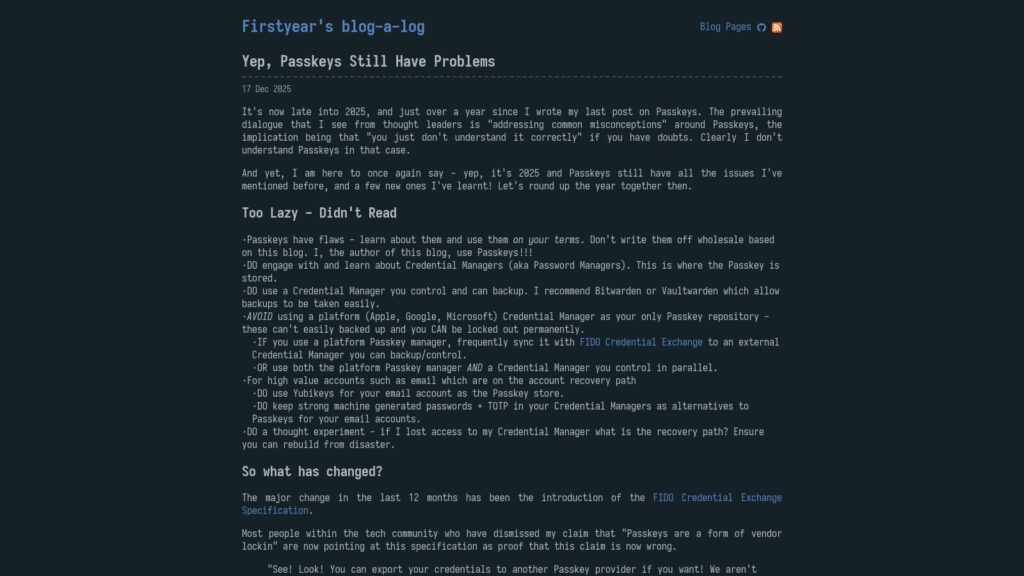
Yep, Passkeys Still Have Problems

Passkeys still face significant issues in 2025, including vendor lock-in and usability challenges across different ecosystems. Users should engage with Credential Managers like Bitwarden, avoid relying solely on platform managers (Apple, Google, Microsoft), and consider Yubikeys for important accounts. The introduction of the FIDO Credential Exchange Specification offers some hope for transitioning between providers, but day-to-day usability remains problematic. Active user education on how Passkeys work and the benefits of robust Credential Managers is crucial to overcoming barriers to adoption. Miscommunication and forced options by service providers exacerbate user confusion and trust issues. Ultimately, a focus on user control and education is imperative to safely navigate the evolving landscape of digital security.

https://fy.blackhats.net.au/blog/2025-12-17-yep-passkeys-still-have-problems/

Stop Putting Your Passwords Into Random Websites (Yes, Seriously, You Are The Problem)

TL;DR: watchTowr researchers discovered over 80,000 exposed credentials and sensitive data inadvertently shared on online code formatters like JSONFormatter and CodeBeautify, affecting numerous critical sectors. The mishaps illustrate the risks of sharing sensitive information online, demonstrating a lack of understanding of confidentiality practices. Organizations must cease using random platforms for credential storage to mitigate potential threats.

https://labs.watchtowr.com/stop-putting-your-passwords-into-random-websites-yes-seriously-you-are-the-problem/

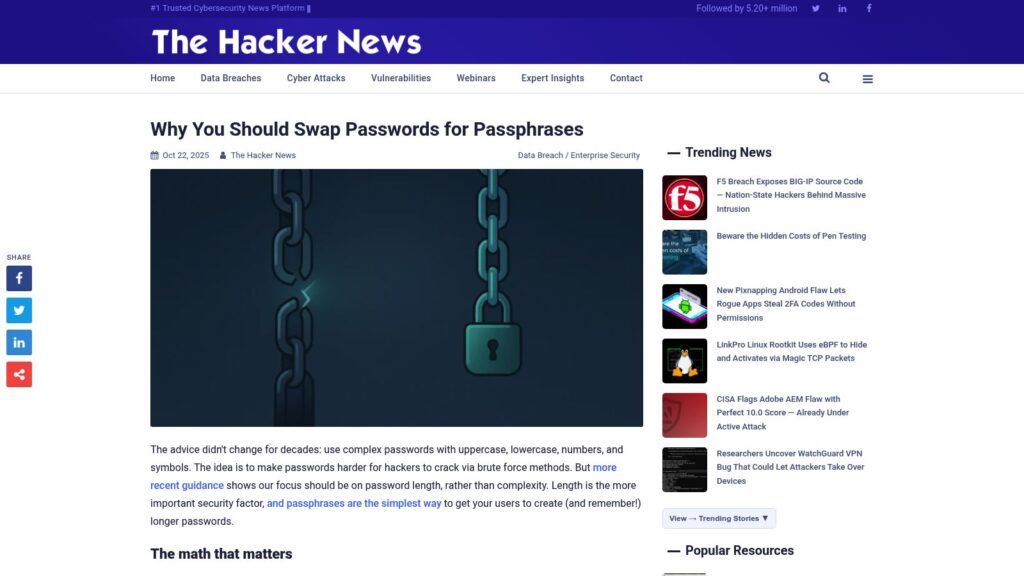
Why You Should Swap Passwords for Passphrases

Switch from complex passwords to passphrases. Focus on length over complexity for stronger security. Memorable passphrases reduce resets and improve defense against attacks. Implement clear guidelines for users: 3-4 unrelated words with a separator. Update password policies to support this approach, ensuring longer minimums and blocking compromised credentials. Monitor adoption and user feedback. While not a complete solution, passphrases enhance security when combined with other methods like MFA.

https://thehackernews.com/2025/10/why-you-should-swap-passwords-for.html

What if Your Passkey Device Is Stolen? How to Manage Risk in Our Passwordless Future

If your passkey device is stolen, risk management hinges on device security measures. Passkeys are stored securely within the device's operating system, making unauthorized access difficult. It’s crucial to enable device locking, remote wiping, and strong authentication measures. If your device is unlocked and accessed by a thief, securing apps with additional passwords can help. Deleting passkeys from the stolen device may be necessary, depending on your password manager's security settings. Overall, preparing for potential theft is essential to mitigate risks associated with passwordless authentication.

https://www.zdnet.com/article/what-if-your-passkey-device-is-stolen-how-to-manage-risk-in-our-passwordless-future/

How Passkeys Work: The Complete Guide to Your Inevitable Passwordless Future

TLDR: Passkeys offer a secure, passwordless authentication method using public key cryptography, eliminating the need to share secrets with websites or apps, thus reducing theft risks. They involve workflows for discovery, registration, authentication, and deletion. Passkeys rely on standards like WebAuthn and FIDO2, with authenticators managing cryptographic tasks.

https://www.zdnet.com/article/how-passkeys-work-the-complete-guide-to-your-inevitable-passwordless-future/

Behavioural Biometrics Seen as Key Layer, Not Replacement for Passwords

Behavioural biometrics enhance security as a complementary layer to passwords, not a replacement. They analyze unique user interactions continuously, improving identification and reducing fraud risk. AI integration allows adaptation to user behavior, while offering a seamless experience. Limitations include potential false rejections and privacy concerns. They’re seen as part of multi-factor authentication frameworks, with strong password security remaining essential. Banks illustrate their function as a background security layer alongside traditional methods.

https://securitybrief.co.uk/story/behavioural-biometrics-seen-as-key-layer-not-replacement-for-passwords

Hackers Use FastHTTP in New High-speed Microsoft 365 Password Attacks

Hackers are using the FastHTTP Go library to execute high-speed brute-force password attacks on Microsoft 365 accounts globally, with a 10% success rate. The campaign began on January 6, 2025, targeting Azure Active Directory. Most attacks originate from Brazil, and they involve overwhelming multi-factor authentication (MFA) attempts. Microsoft warns that these takeovers can lead to data breaches. Administrators can use a provided PowerShell script to identify affected accounts and are advised to take immediate security measures if malicious activity is detected.

https://www.bleepingcomputer.com/news/security/hackers-use-fasthttp-in-new-high-speed-microsoft-365-password-attacks/

Scroll to Top